
A video card or brochure is more than a printed piece—it’s a multi-sensory experience that blends the tangibility of print with the emotion and storytelling power of video. When opened, the embedded LCD screen and audio instantly draw attention, turning a simple message into an unforgettable moment.
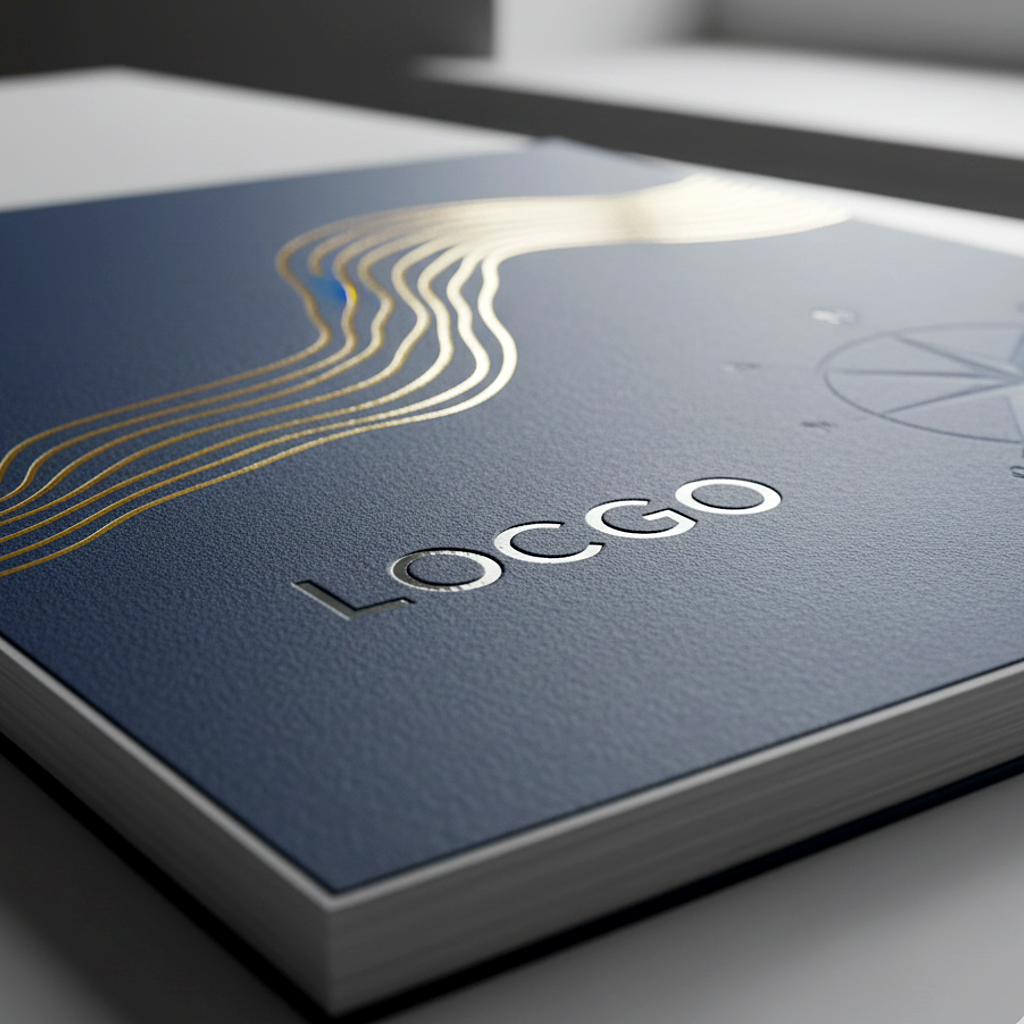
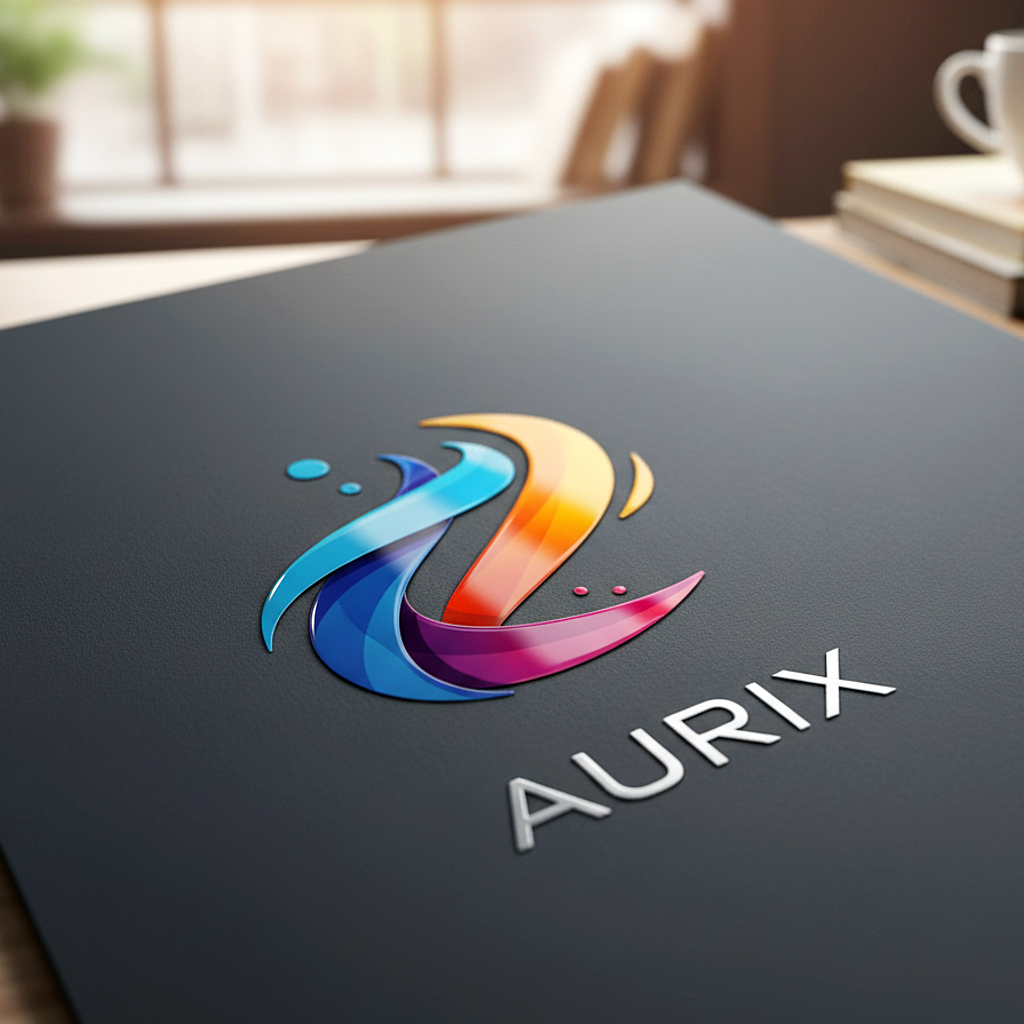
The decoration and finish play a crucial role in shaping that experience. Premium touches like foil stamping, spot UV, embossing, pocket inserts, and thoughtful layout design don’t just make the piece look refined—they elevate perceived value, encourage recipients to engage longer, and ultimately amplify the emotional effect of the video itself.
Every detail—from the tactile texture of the cover to how light reflects off metallic foil—reinforces your brand’s quality and helps your message translate into real-world impact, trust, and conversions.
Here’s a logical flow for creating and decorating a video brochure:
Here’s where decoration comes in:

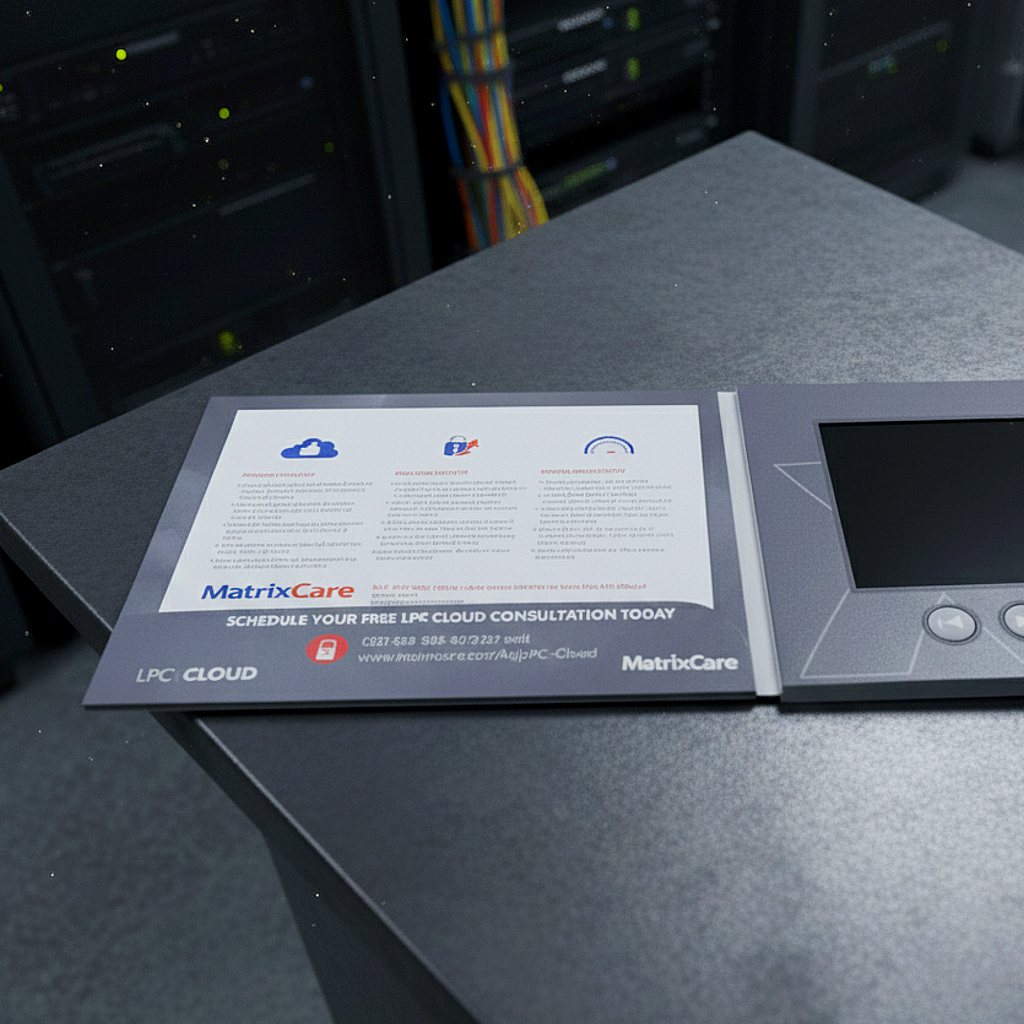
| Technique | Purpose | How to apply |
| Spot UV coating | Draw attention to specific design elements, adds shine/tactile contrast | On cover: logo, key image, text highlight. Choose matte finish elsewhere, and spot UV over it. |
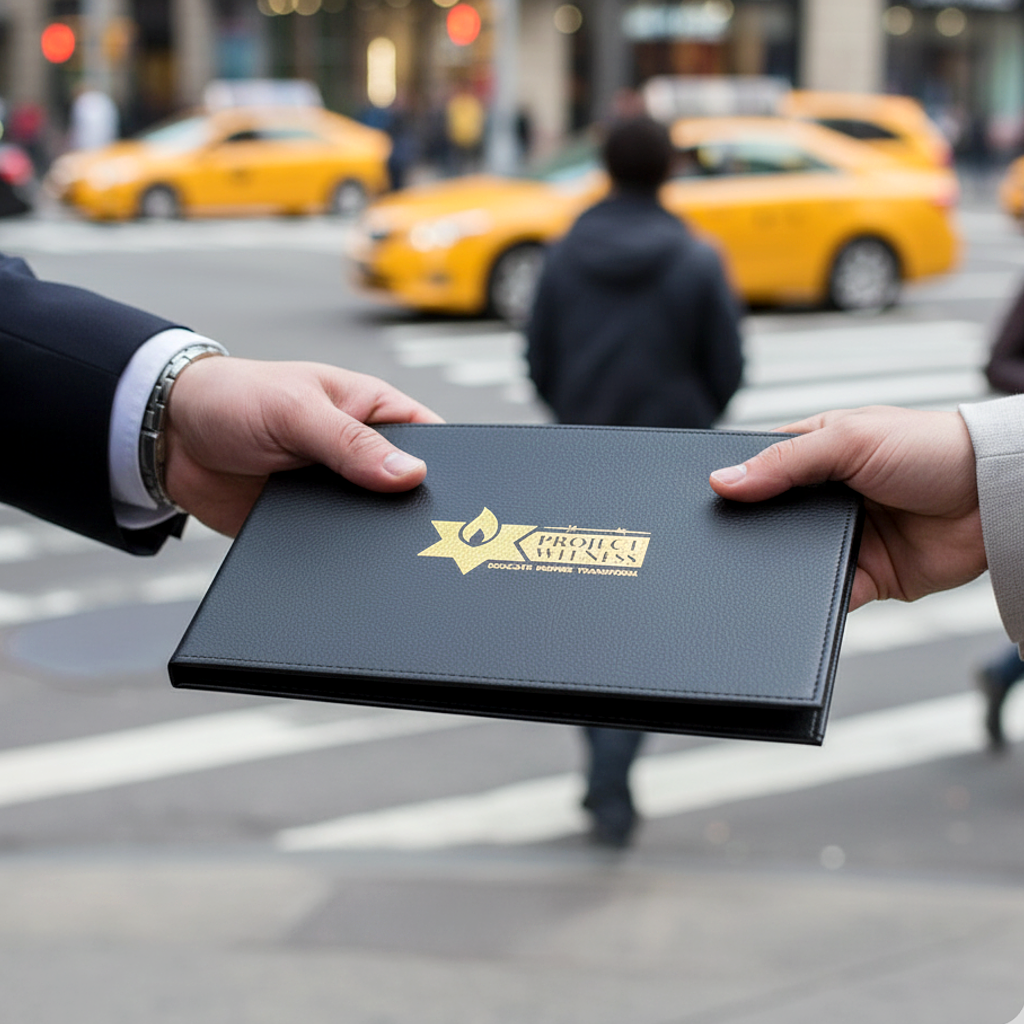
| Foil stamping (gold/silver/metallic) | Luxury aesthetic, strong contrast, premium feel | Apply to cover titles, border lines, maybe inside pages for headings. Align with brand palette. |
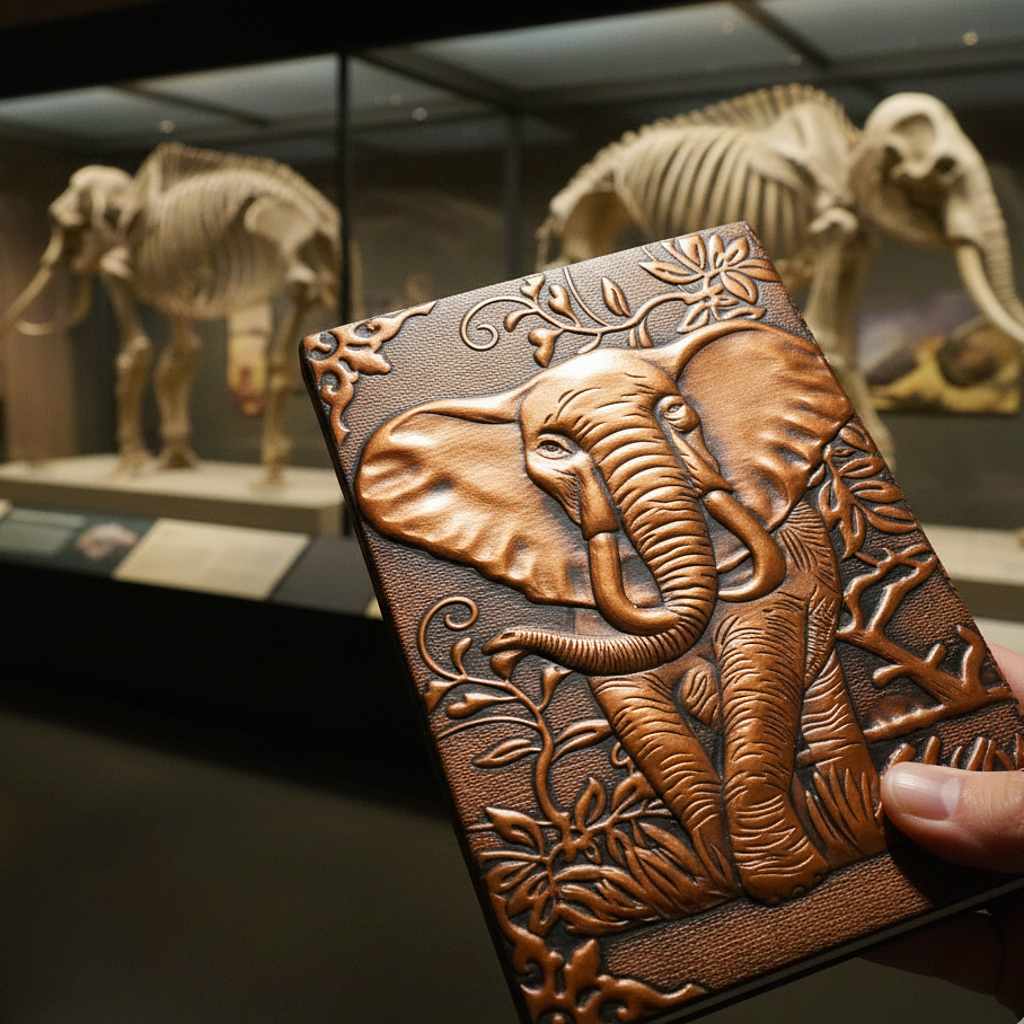
| Embossing/debossing | Adds texture and depth; makes design tactile and memorable | Raise the company mark or icon on cover, deboss network lines or pattern. |
| Soft-touch laminate | Feels premium, reduces fingerprints, nice tactile feel | Use for outer cover laminate. Combine with foil or spot UV for both look and feel. |
| High quality print + imagery | Visual clarity supports video and printed message | Use high resolution imagery, consistent brand colors, avoid clutter, use white space. |
| Interactive elements | Enhances experience beyond video | Add play button icon, volume/skip buttons, maybe QR code printed for extended content. |
Every design choice—from paper weight to foil detail—shapes how your audience feels about your brand. When done right, it doesn’t just look impressive; it triggers an emotional response that drives action. A well-decorated video card increases retention, boosts perceived value, and creates a lasting impression that translates directly into inquiries, orders, and sales. The result is not just a brochure—it’s a conversation starter, a closer, and a tangible return on your creativity.

Global Promo, LLC is a full-service supplier of promotional and technology products, serving distributors since 2003. Rated a Sage A+ 5-Star Supplier.
Copyright © Global Promo . All rights reserved.